
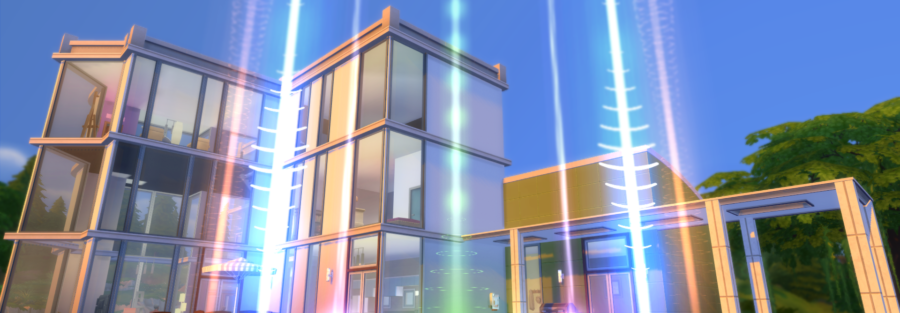
Effects box in Sims 4 (Studio Effect Player)
How to use Studio Effect Player to create fire, lightning, fog, and stage effects.
The Studio Effect Player mod lets you trigger different in-game effects: fire, explosions, fireworks, water, fog, and more. It is useful for stage effects and set decoration.
Install the mod in:
Documents\Electronic Arts\The Sims 4\Mods
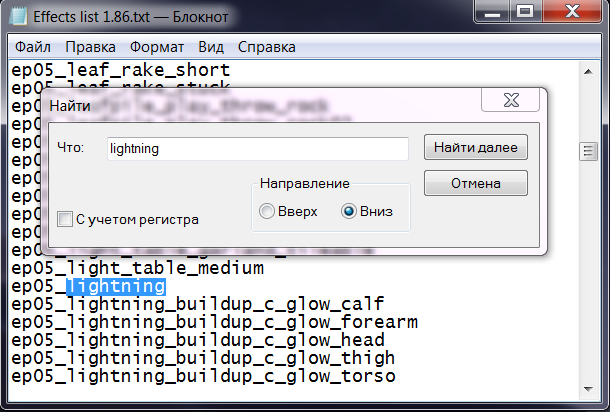
Effects list
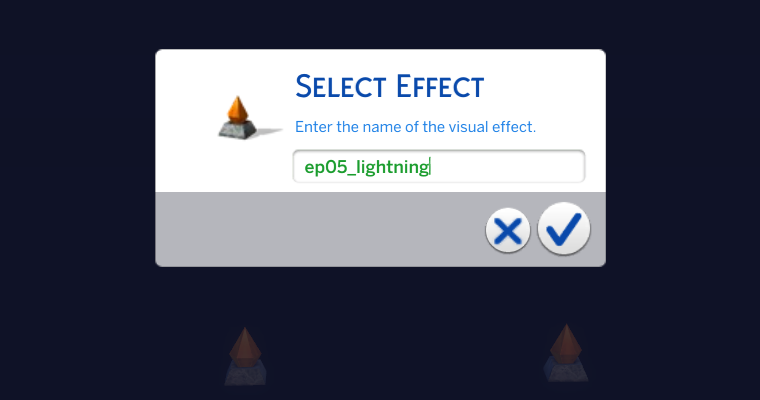
Effect codes are entered manually.
It is best to download the text file with the full list of effects and search through it with Ctrl + F.
Example:
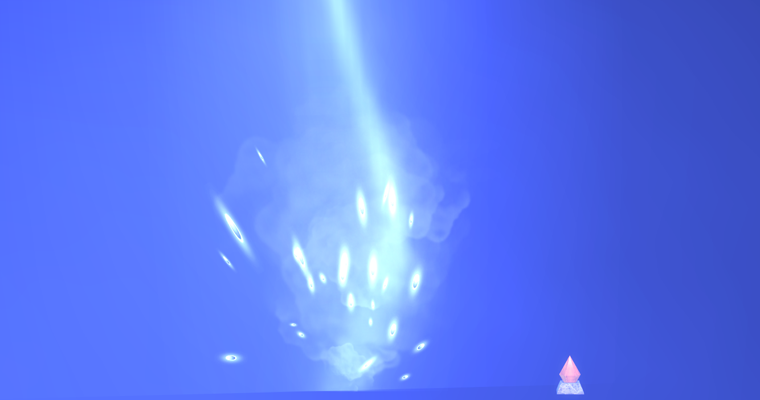
ep05_lightning
If you do not have the required expansion pack installed, the related effect will not work.
How to play an effect
-
Buy the Studio Effect Player object. It is located under Hobbies and Skills -> Miscellaneous.
-
Place it on the lot.
-
Use the menu:
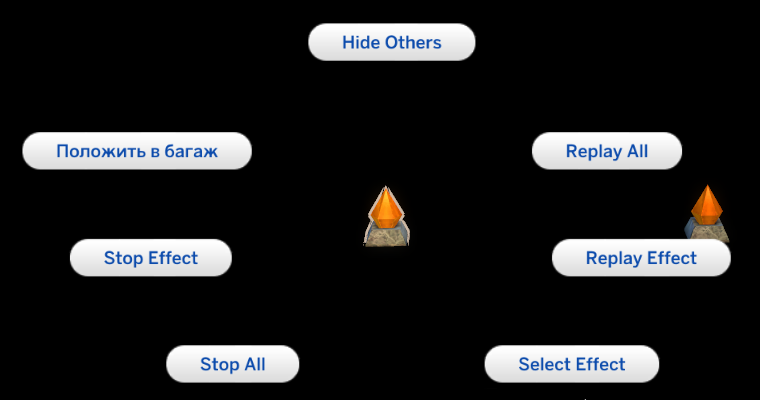
- Select Effect - turn on an effect
- Replay Effect - play it again
- Stop Effect - stop it
It is recommended to use at least two players:
- one for effects
- one controller player, hidden from view
Controller player functions:
- Hide Others hides the other players
- Replay All repeats all effects
Effect parameters
You can add parameters to an effect:
- delay - delay before start, in seconds
- loop - repeat interval
- max - number of repetitions
Example:
ep05_lightning delay:5 loop:1.5 max:10
The effect will start after 5 seconds, repeat every 1.5 seconds, and play 10 times in total.
You can use parameters in any order:
ep05_lightning max:5 loop:1
Summary
Studio Effect Player can be used to build complex stage productions:
- synchronized effects
- chains of events
- visual shows
It is one of the most powerful staging tools for Sims 4 performances.