
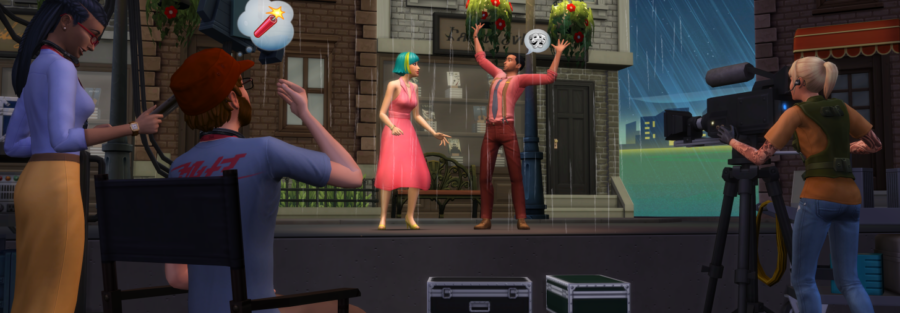
Cheats for filming video in Sims 4
Useful cheats and hotkeys for filming, building, and controlling Sims in The Sims 4.
When building sets and filming a performance, cheat codes and hotkeys can save a lot of time. Here are the essentials.
Basics
- Open the console: Ctrl + Shift + C
- Close the console: Enter or Esc
- Letter case does not matter
Main cheats
freerealestate on
Lets you move a household into any lot for free.
headlineeffects off
Removes the plumbob and thought bubbles above Sims' heads. This is required for clean filming.
To turn them back on: headlineeffects on
money
Sets the exact amount of household funds, for example money 1000000.
motherlode
Adds 50000 Simoleons.
Before using some cheats, enable:
TestingCheats true
Build cheats
bb.ignoregameplayunlocksentitlement
Unlocks career rewards.
bb.moveobjects on
Allows free object placement.
9- raise0- lower
bb.showhiddenobjects
Unlocks hidden objects. Type "Unknown" in search to find them more easily.
bb.showliveeditobjects
Unlocks world and environment objects.
Object controls
]- enlarge[- shrink</>- rotateAlt- ignore the gridShift- duplicate objectsCtrl + F- triangular floor tilesDelete- delete an object
Developer mode
TestingCheats true enables additional functions.
cas.fulleditmode
Full CAS editing for Sims.
Quick actions
Shift + click on the mailbox:
- Fill needs
- Disable need decay
Shift + click on a Sim:
- Reset the Sim if stuck
- Edit in CAS
Shift + click on the ground:
- Teleport